
Move-in photos
Capture each room at the start of a rental, with photos and notes grouped together.
RoomRecord: Rental Reports
RoomRecord is an iPhone app for move-in and move-out property photos, quick notes, timestamps, and tidy PDF rental inspection reports.

What it helps with
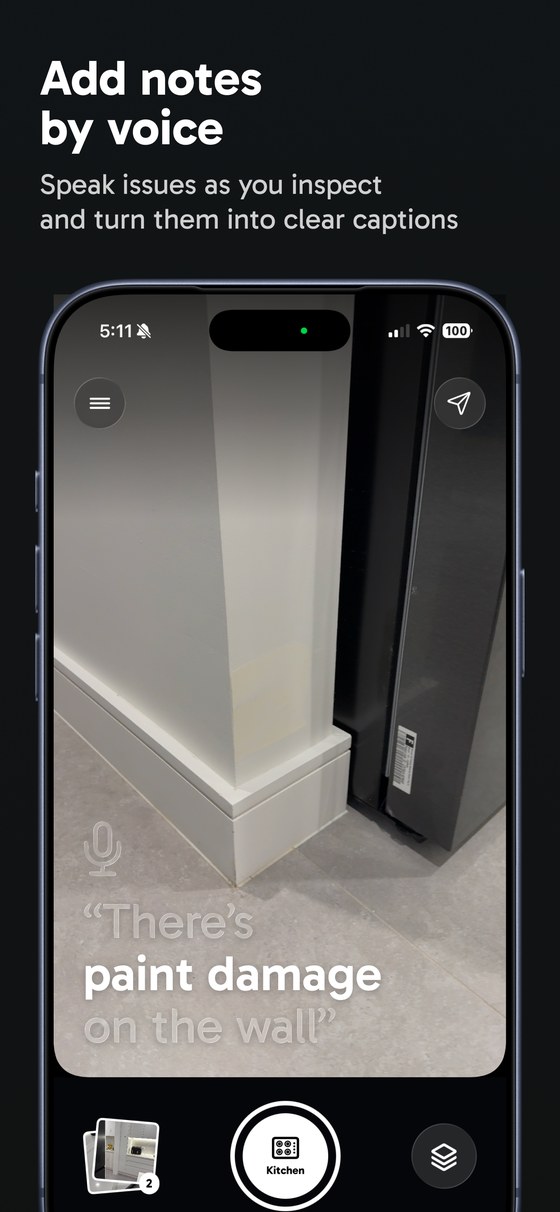
Use RoomRecord to capture rental inspection photos by room, add dictated or typed notes, review evidence, and export a timestamped PDF report. It is built for people who want a cleaner record than loose camera roll photos.
Capture each room at the start of a rental, with photos and notes grouped together.
Walk through the property, record the current state, and export a PDF before key handover.
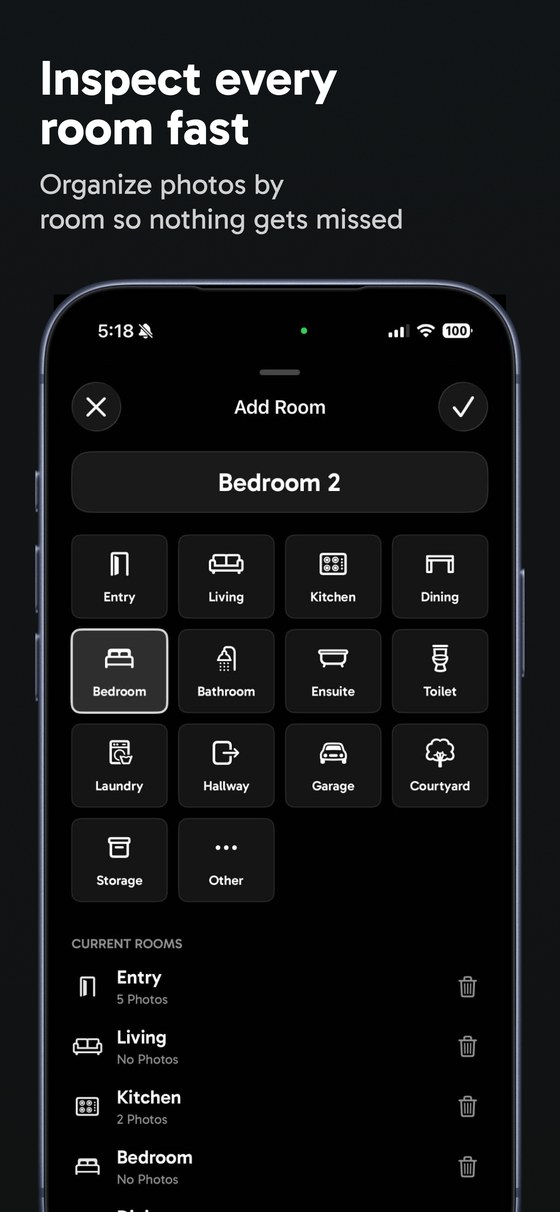
Keep Entry, Kitchen, Bedroom, Bathroom, Living, and custom rooms separated from the start.
Create a readable rental condition report with photos, captions, room labels, and timestamps.
See the workflow
RoomRecord turns an inspection walkthrough into a structured record: rooms first, photos and notes next, then a PDF export when you want one file to share or keep.
Popular workflows
A room-by-room capture flow for the start of a rental.
Move-out photo report workflowHow to create a clean report before returning keys.
Rental inspection PDF exampleWhat a readable timestamped report can include.
Room-by-room inspection checklistA simple capture checklist for common property areas.
Email [email protected] with your question. You can use this address for app help, account questions, purchase issues, bug reports, privacy requests, and general support. Please include your device model, iOS version, what you were trying to do, and any error message you saw.
RoomRecord is for tenants, renters, property managers, small landlords, and property teams who want a quick way to capture room-by-room inspection photos, notes, timestamps, and tidy PDF reports for move-in, move-out, and routine condition records.
Yes. RoomRecord is free to try with one property and up to 7 captured photos, based on the current app limit. That gives you a practical way to test capture, notes, and report export before deciding whether you need paid report access for a larger inspection.
RoomRecord uses a one-time App Store purchase for 30-day report access. The in-app purchase is handled through Apple and RevenueCat, and the app describes it as pay once with no automatic renewal. If you already paid and access is not showing, use Restore access in the app.
Captured photos and inspection details are saved locally in RoomRecord's private app storage. In the released app, inspection records and evidence photos are also backed up by RoomRecord's Supabase-backed service under your guest or signed-in account so the app can preserve report access and move work between the App Clip and full app. Photos are not added to your iOS Photos library unless you choose to export or save them.
You can delete inspection items in the app. For access, correction, or deletion requests related to RoomRecord account, support, or service data, email [email protected].
No. RoomRecord is a photo, note, and reporting tool. It does not provide legal, tenancy, property, financial, or dispute resolution advice, and it does not promise how any landlord, agent, property manager, insurer, tribunal, court, or other third party will treat a report.